HomeStore

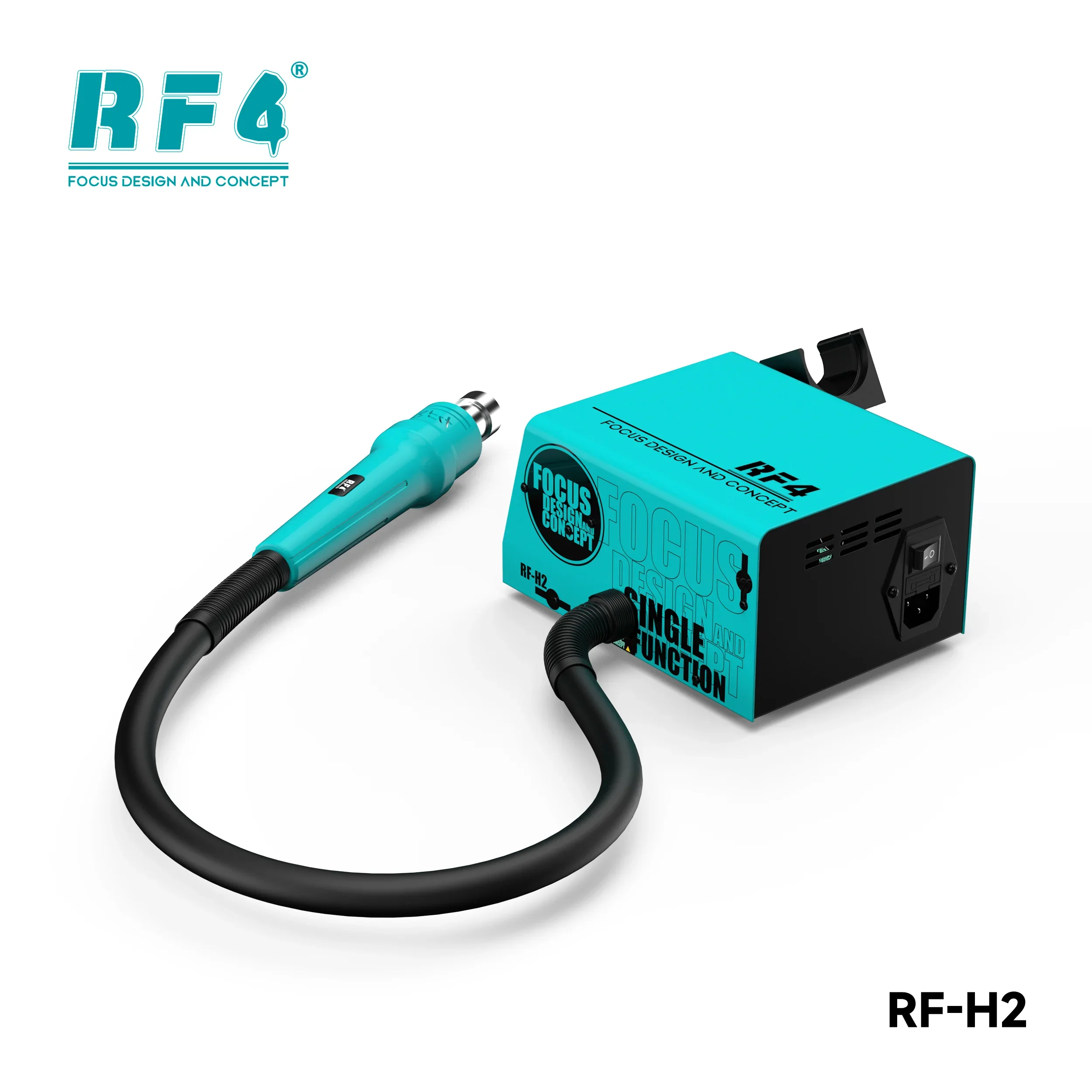
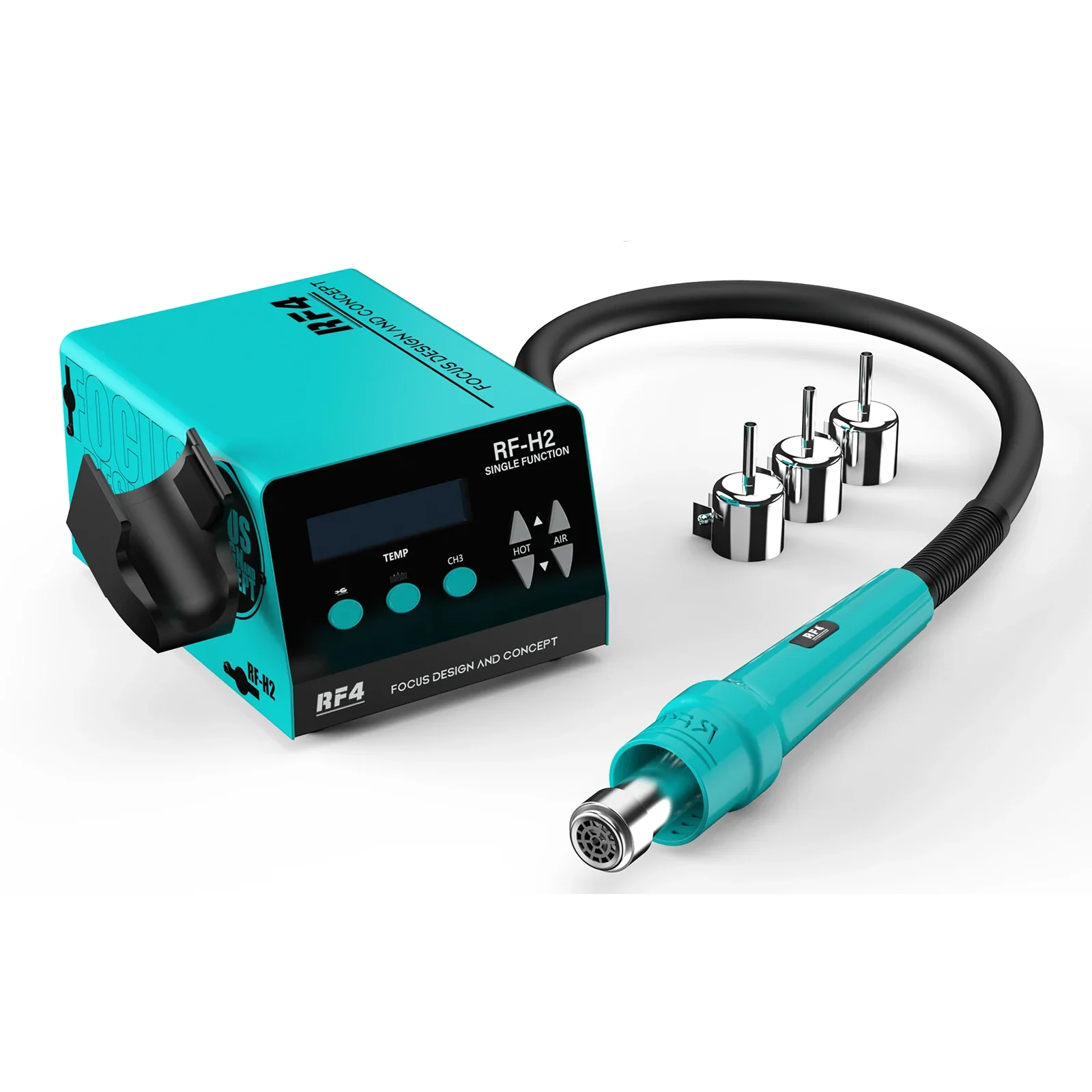
RF4 New1000W Fast Desoldering Hot Air Gun Soldering Station Digital Display Intelligent BGA Rework Station To PCB Chip Repair H2

RF4 New1000W Fast Desoldering Hot Air Gun Soldering Station Digital Display Intelligent BGA Rework Station To PCB Chip Repair H2

RF4 1000W Fast Desoldering Hot Air Gun Soldering Station Digital Display Intelligent BGA Rework Station To PCB Chip Repair RF-H2
 
Installation Precautions from the Hot Air Rework Station Manual:
 
  1. Power Supply & Grounding
    • Ensure the device is connected to a reliable power source with proper grounding to eliminate static electricity.

    • Keep the equipment away from flammable gases, materials (e.g., paper), and heat-sensitive objects to prevent fire hazards.

    • The device generates high-temperature air. Avoid contact with heating elements, nozzles, or obstructing the airflow to prevent burns or damage.

  2. Accessory Installation
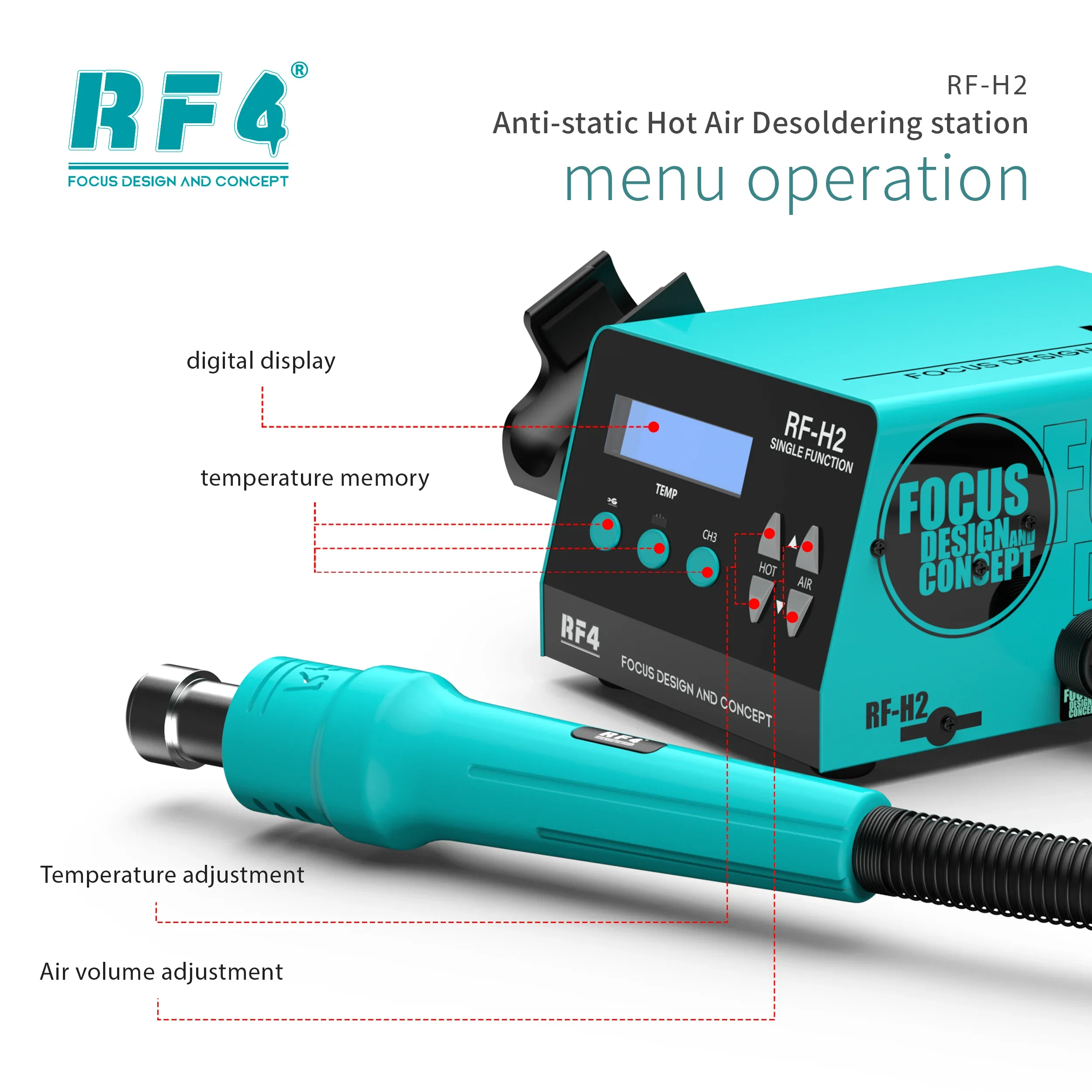
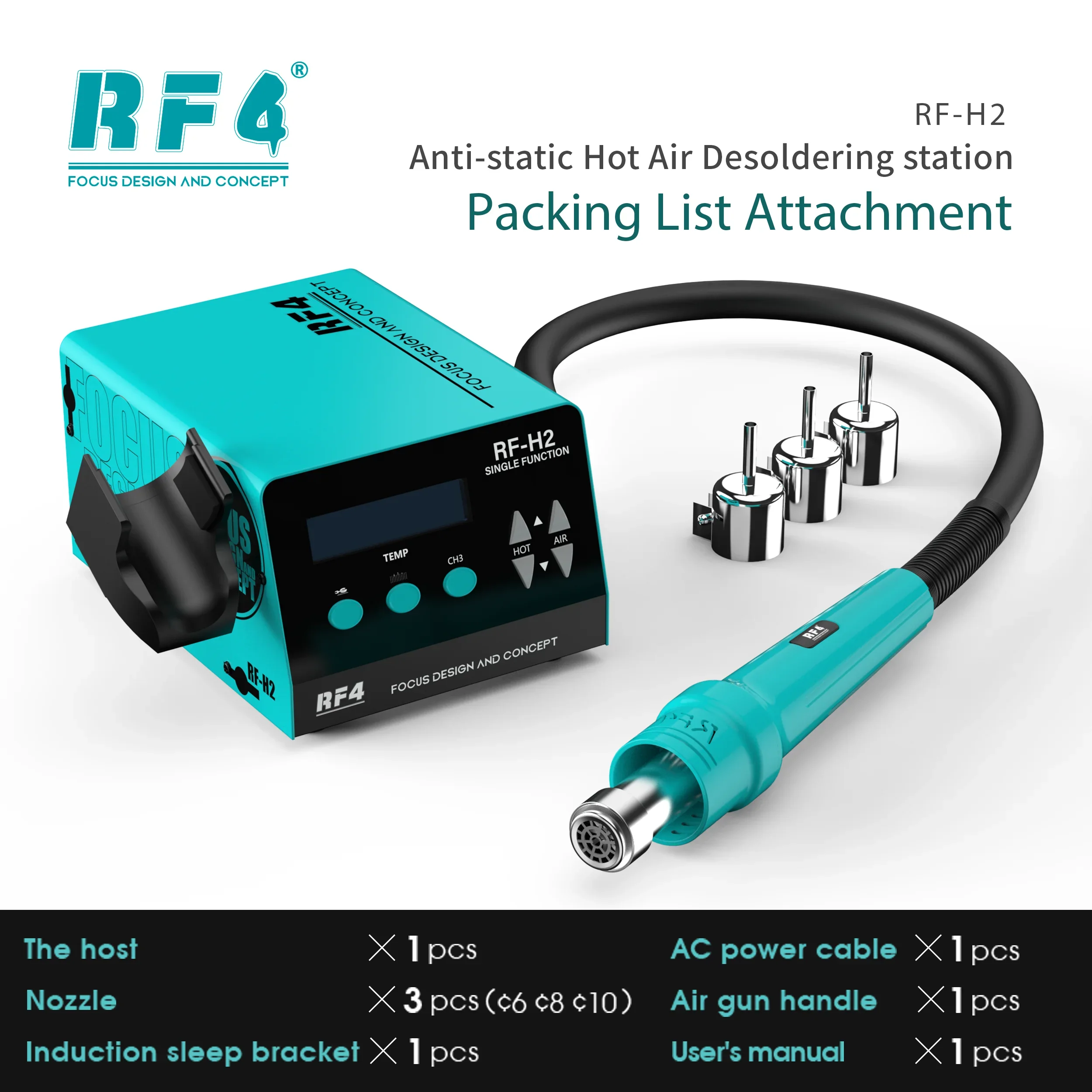
    • Attach the appropriate nozzle to the device's air outlet tube. After assembly, place the handle on the holder.

    • Connect the AC power cord to the rear socket, ensuring the device is securely grounded.

  3. Heating Element Replacement (Maintenance-Related Installation)
    • Replace damaged heating elements with identical models: match power ratings, physical dimensions, wire gauges, and ensure sensor wires (KP+ and KP-) are correctly connected. Use original parts when possible.

    • The sensor uses a K-type thermocouple; polarity must be observed during replacement to avoid temperature instability.

    • When replacing the heating element:
      1. Remove the old element.

      2. Wrap the new element with mica paper.

      3. Reassemble in reverse order, ensuring correct polarity for sensors and heating wires.

      4. Test functionality before use.

  4. Fault Protection (During Installation & Operation)
    • The device features automatic fault detection with visual (error codes) and audible alerts:
      • ERR1: Heater failure or incorrect sensor cable polarity. Disconnect power to troubleshoot.

      • ERR2: Overheating or improper handle placement. Disconnect power to correct.

    • Address alarms immediately by resolving underlying issues before resuming operation.


Note: Follow all safety guidelines to prevent injury, equipment damage, or malfunctions.
 

This is the user manual. Please follow the instructions in the manual to install the video.


  1. Reasons why the product fails to start or the screen doesn't light up after plugging in the power:
    First, the customer can replace the power cord. If the issue persists, it might be due to damage to the terminal wiring caused by rough handling during shipping. Here is a tutorial on inspecting the terminal wiring.
https://gv-vod-cdn.aliexpress-media.com/ae_sg_gmc/video_target/gv97-cf0a60c4-a1c056e6-97c51ab3-0acc/trans/4153ea6d-8fb8-47de-8d8a-2fa05bcceef4-h264-hd.mp4?auth_key=1752829645-0-0-e8f05bc47b3851dd19934b16c12d2e82


Select Color
Select Voltage
From $33.50

Original: $111.67

-70%
RF4 New1000W Fast Desoldering Hot Air Gun Soldering Station Digital Display Intelligent BGA Rework Station To PCB Chip Repair H2

$111.67

$33.50
Product image 1
Product image 2
Product image 3
Product image 4
Product image 5
Product image 6
Product image 7

Description

RF4 1000W Fast Desoldering Hot Air Gun Soldering Station Digital Display Intelligent BGA Rework Station To PCB Chip Repair RF-H2
 
Installation Precautions from the Hot Air Rework Station Manual:
 
  1. Power Supply & Grounding
    • Ensure the device is connected to a reliable power source with proper grounding to eliminate static electricity.

    • Keep the equipment away from flammable gases, materials (e.g., paper), and heat-sensitive objects to prevent fire hazards.

    • The device generates high-temperature air. Avoid contact with heating elements, nozzles, or obstructing the airflow to prevent burns or damage.

  2. Accessory Installation
    • Attach the appropriate nozzle to the device's air outlet tube. After assembly, place the handle on the holder.

    • Connect the AC power cord to the rear socket, ensuring the device is securely grounded.

  3. Heating Element Replacement (Maintenance-Related Installation)
    • Replace damaged heating elements with identical models: match power ratings, physical dimensions, wire gauges, and ensure sensor wires (KP+ and KP-) are correctly connected. Use original parts when possible.

    • The sensor uses a K-type thermocouple; polarity must be observed during replacement to avoid temperature instability.

    • When replacing the heating element:
      1. Remove the old element.

      2. Wrap the new element with mica paper.

      3. Reassemble in reverse order, ensuring correct polarity for sensors and heating wires.

      4. Test functionality before use.

  4. Fault Protection (During Installation & Operation)
    • The device features automatic fault detection with visual (error codes) and audible alerts:
      • ERR1: Heater failure or incorrect sensor cable polarity. Disconnect power to troubleshoot.

      • ERR2: Overheating or improper handle placement. Disconnect power to correct.

    • Address alarms immediately by resolving underlying issues before resuming operation.


Note: Follow all safety guidelines to prevent injury, equipment damage, or malfunctions.
 

This is the user manual. Please follow the instructions in the manual to install the video.


  1. Reasons why the product fails to start or the screen doesn't light up after plugging in the power:
    First, the customer can replace the power cord. If the issue persists, it might be due to damage to the terminal wiring caused by rough handling during shipping. Here is a tutorial on inspecting the terminal wiring.
https://gv-vod-cdn.aliexpress-media.com/ae_sg_gmc/video_target/gv97-cf0a60c4-a1c056e6-97c51ab3-0acc/trans/4153ea6d-8fb8-47de-8d8a-2fa05bcceef4-h264-hd.mp4?auth_key=1752829645-0-0-e8f05bc47b3851dd19934b16c12d2e82


You may also like

NEW
Thumbnail 1Thumbnail 2

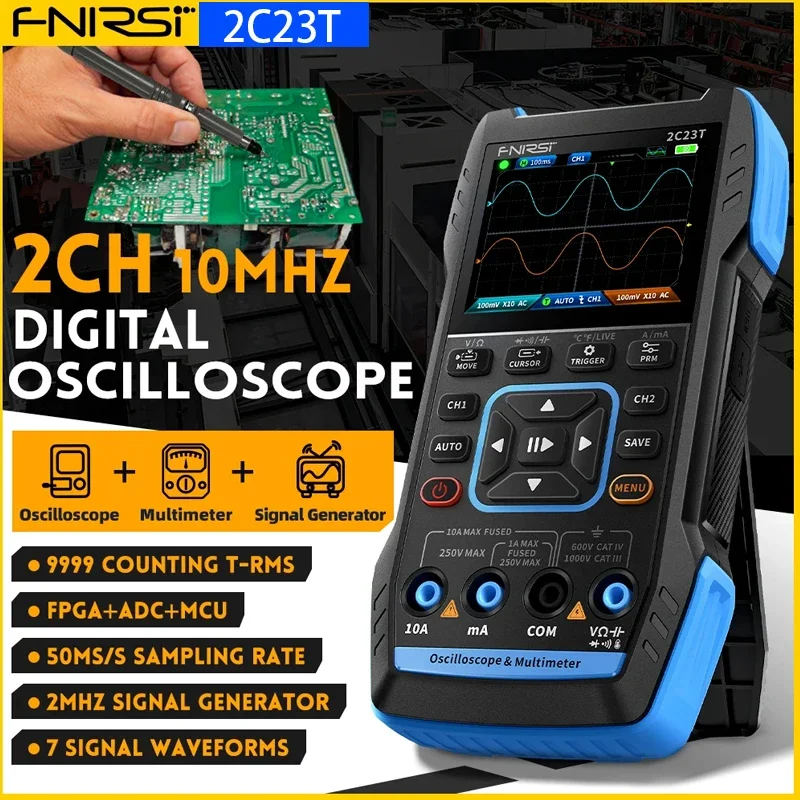
FNIRSI 2C23T Digital Oscilloscope Multimeter Tool

$88.99

NEW
Thumbnail 1Thumbnail 2

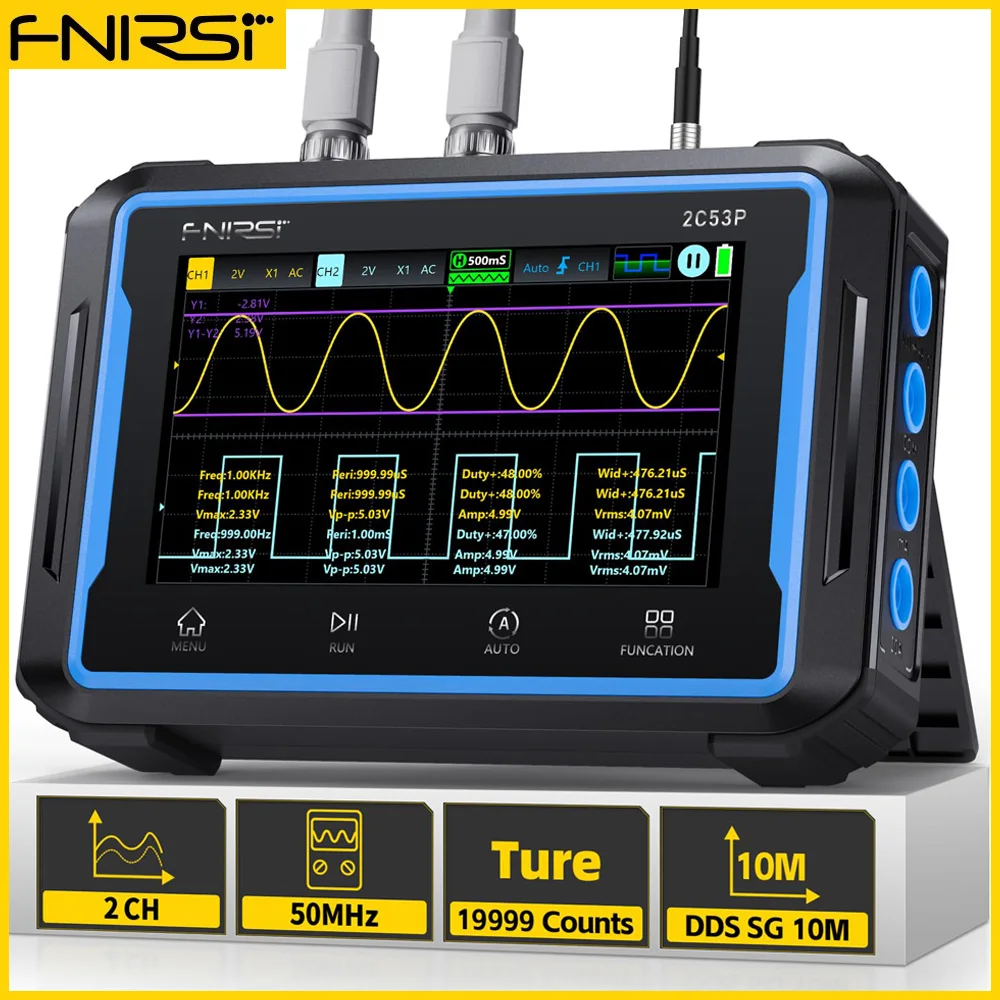
FNIRSI 2C53P 3-IN-1 Dual Channel Tablet Touchable Oscilloscope Multimeter

$145.99

NEW
Thumbnail 1Thumbnail 2

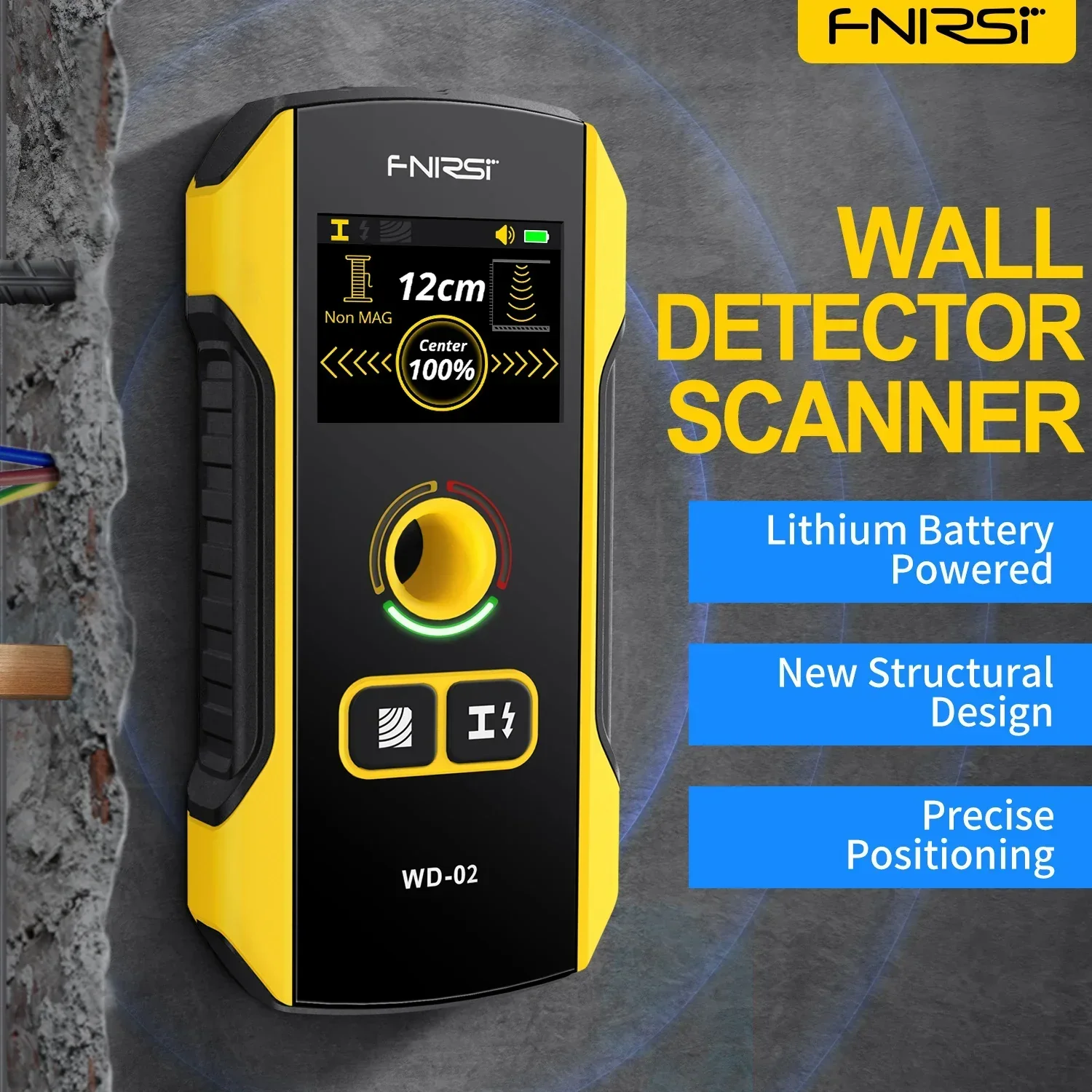
FNIRSI WD-02 Wall Detector Stud Finder Wall Scanner Tools

$44.00

NEW
Thumbnail 1Thumbnail 2

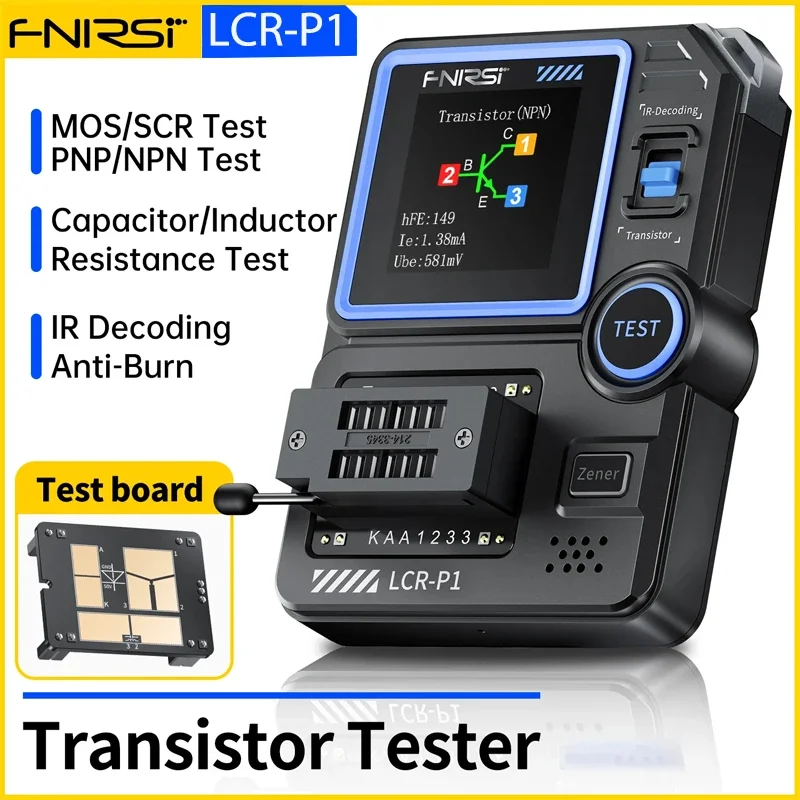
FNIRSI LCR-P1 Multifunction Transistor Tester

$35.00

NEW
Thumbnail 1Thumbnail 2

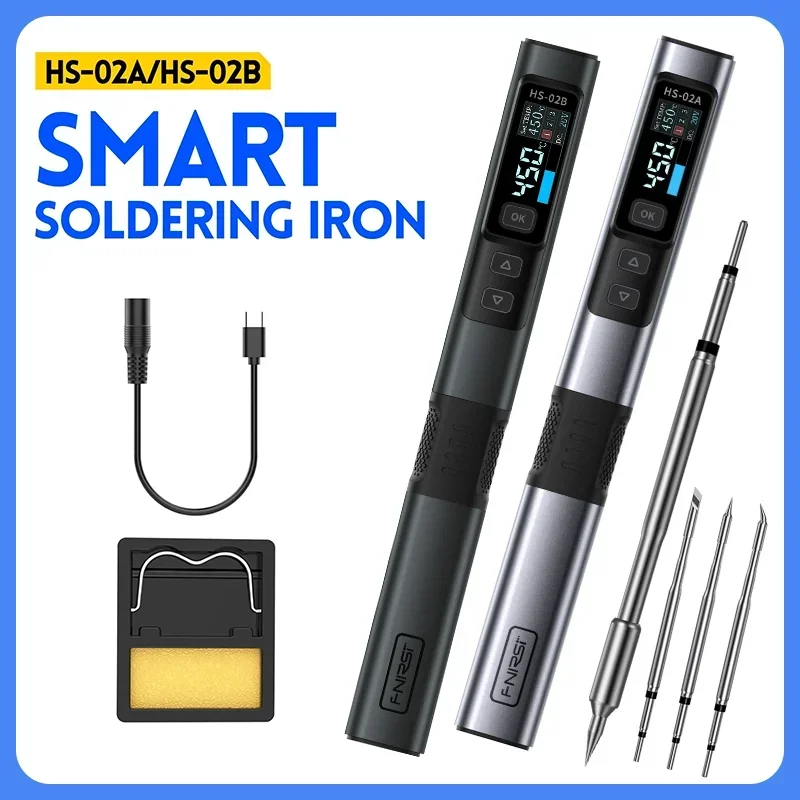
FNIRSI HS-02 Soldering Iron Smart Electric Kit

$48.72

NEW
Thumbnail 1Thumbnail 2

FNIRSI SWM-10 Adjustable Welding Machine

$59.99

-70%NEW
Thumbnail 1Thumbnail 2

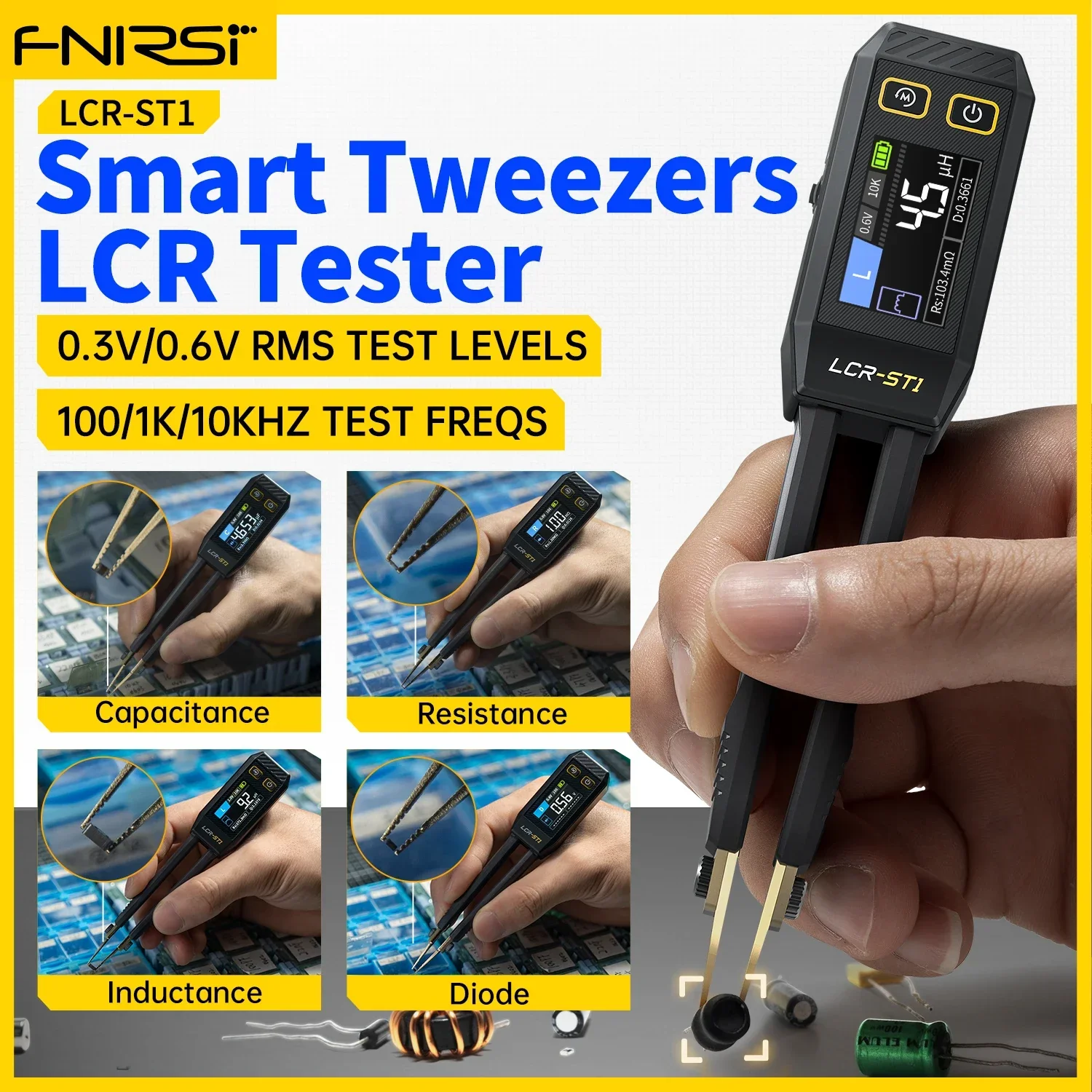
FNIRSI LCR-ST1 Smart Tweezer Mini Tester

$36.00

$10.80

NEW
Thumbnail 1Thumbnail 2

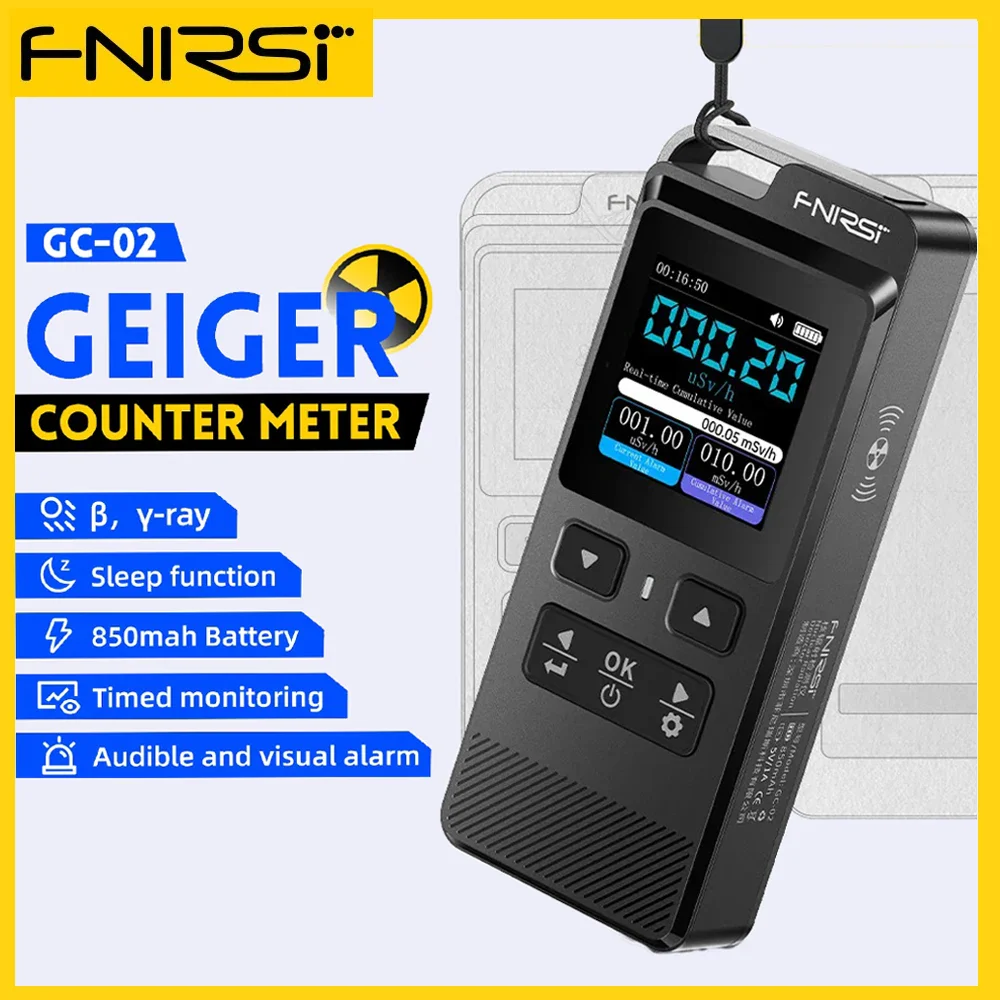
FNIRSI GC-02 Mini Nuclear Radiation Detector Geiger Counter

$43.26

-70%NEW
Thumbnail 1Thumbnail 2

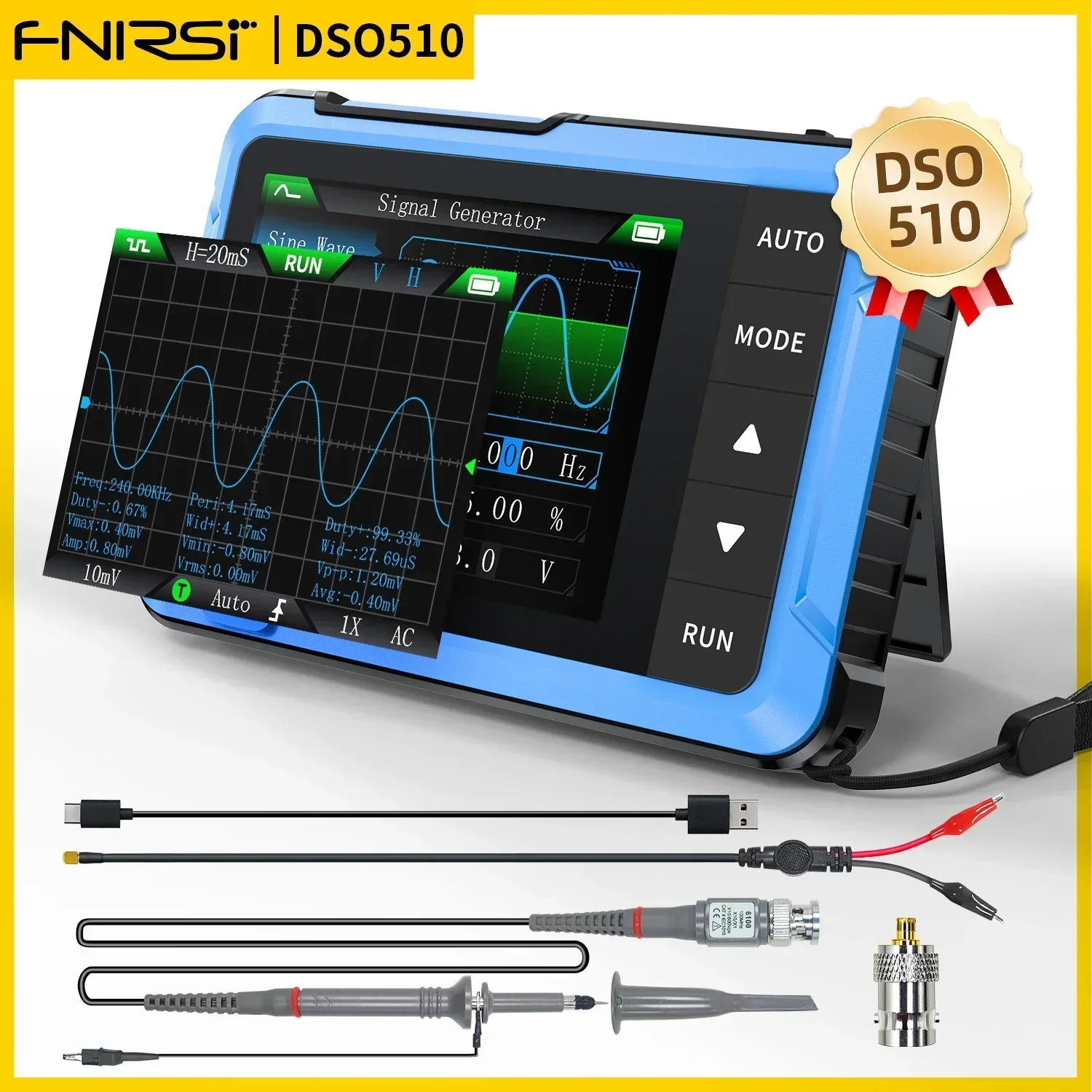
FNIRSI DSO510 New Mini Digital Oscilloscope

$53.00

$15.90

-70%NEW
Thumbnail 1Thumbnail 2

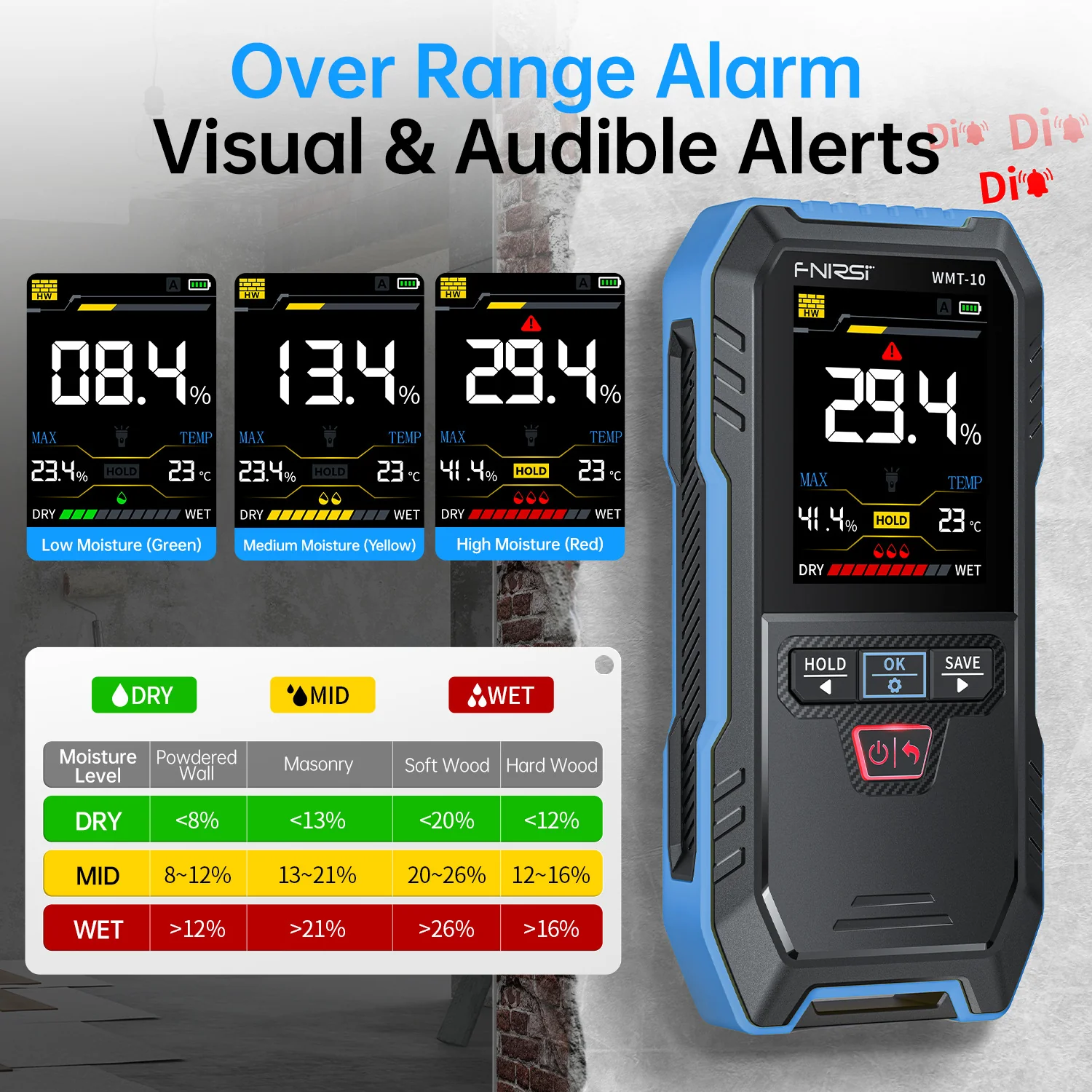
FNIRSI WMT-10 Inductive Wood Moisture Meter【The product color has been updated to blue】

$28.44

$8.53

-70%NEW
Thumbnail 1Thumbnail 2

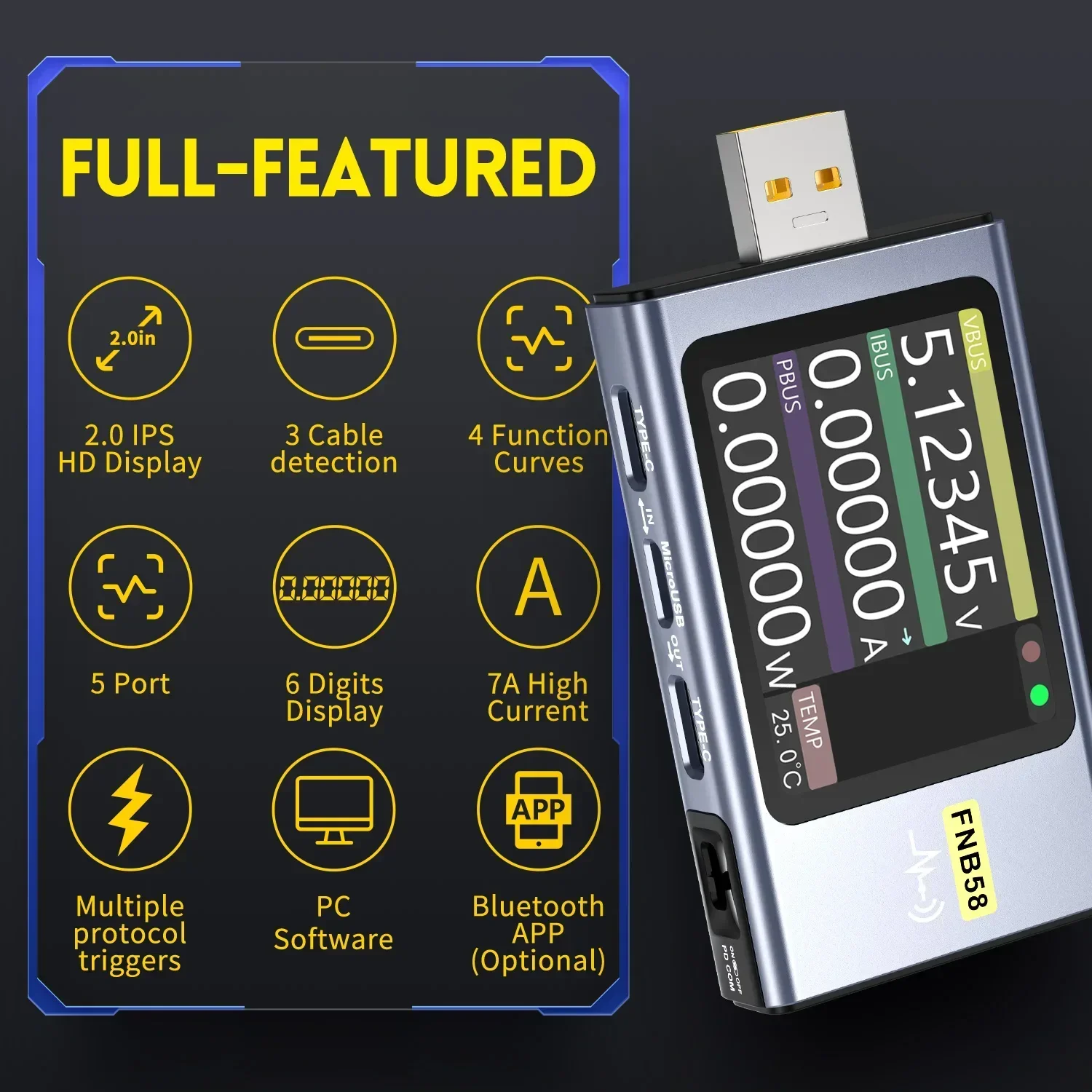
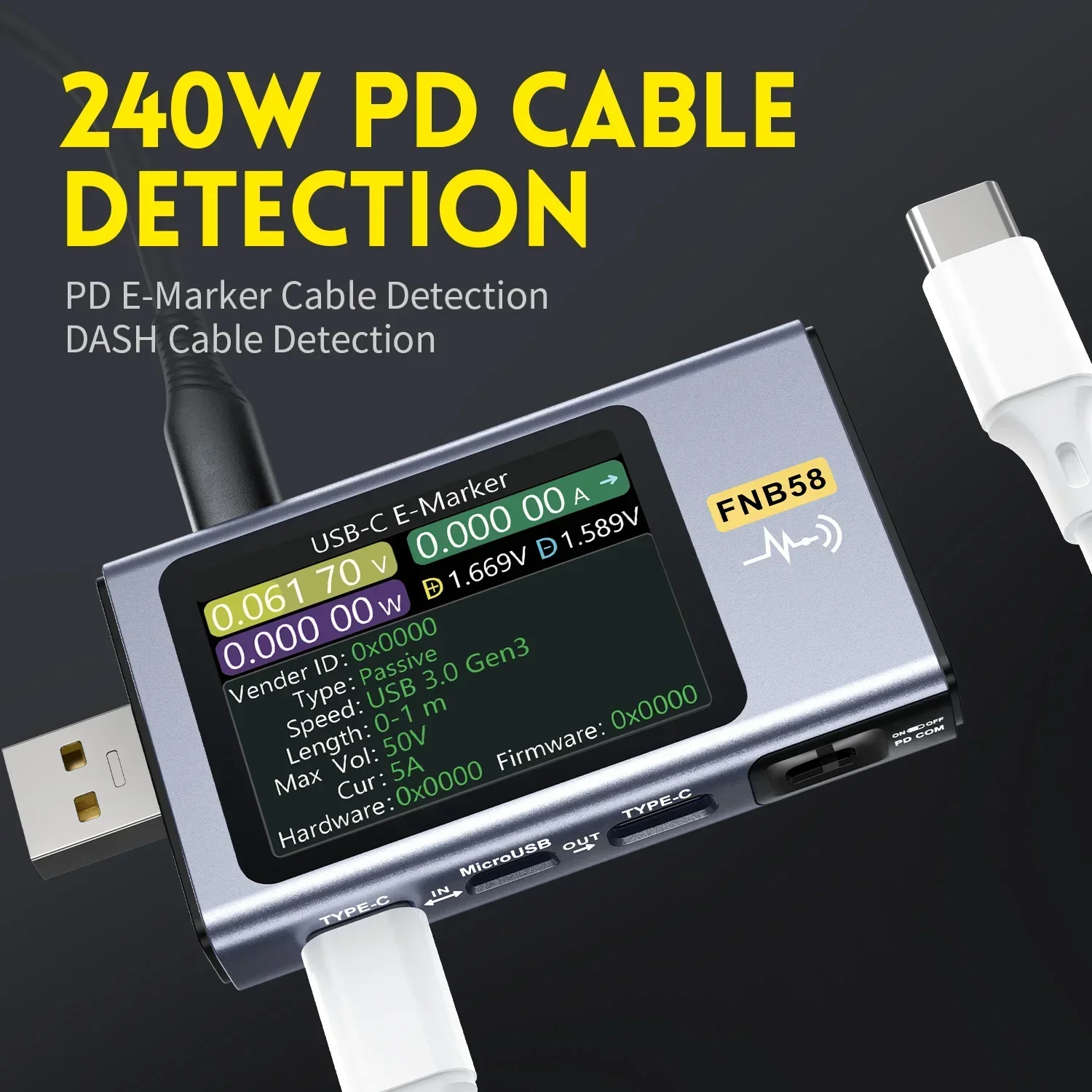
FNIRSI FNB58 Digital USB Voltmeter Ammeter Tester

$47.61

$14.28

-70%NEW
Thumbnail 1Thumbnail 2

FNIRSI JBM-10 Rechargeable Sugar Content Meter

$34.37

$10.31

RF4 New1000W Fast Desoldering Hot Air Gun Soldering Station Digital Display Intelligent BGA Rework Station To PCB Chip Repair H2 | TUFZEN